
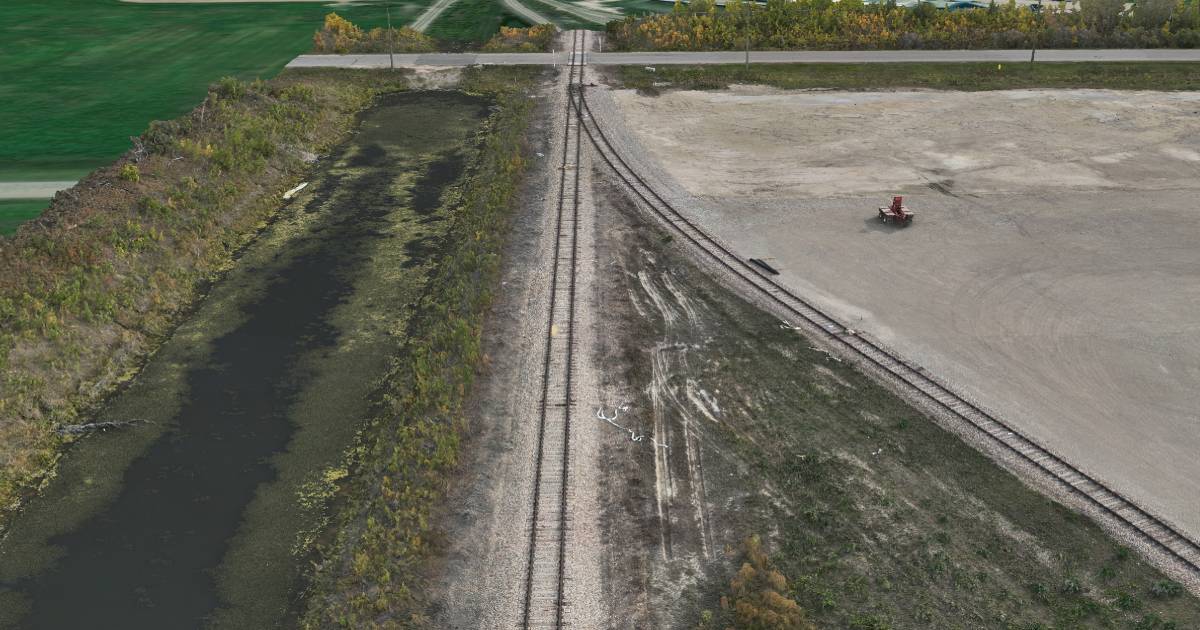
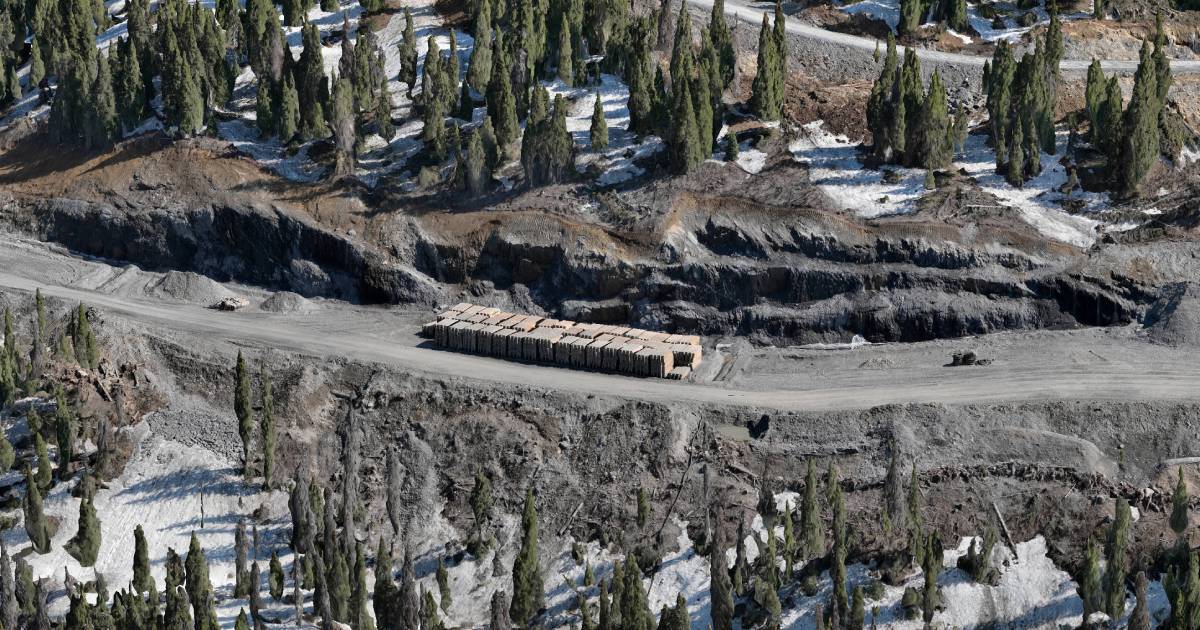
High-resolution 3D mesh models have become one of the most useful deliverables for engineering, environmental, inspection, and infrastructure teams. Instead of relying on photos, notes, and memory from a single field visit, your office can review a centimetre-accurate 3D model of the site — measured, shared, and inspected almost as if you were standing there.
At Convex Geomatics we deliver textured photogrammetric meshes that resolve 1–3 cm per pixel of surface texture, captured by drone, handheld camera, or vehicle-mounted platform. On most pipeline-corridor and remote-site projects we've delivered, the model pays for itself within 2–4 mobilisations saved.
Key advantage: a high-quality 3D mesh lets every member of the project team — engineers, environmental consultants, project managers, clients — inspect the same site remotely, zoom into details, and make decisions without sending another crew into the field.
What Is a 3D Mesh Model?
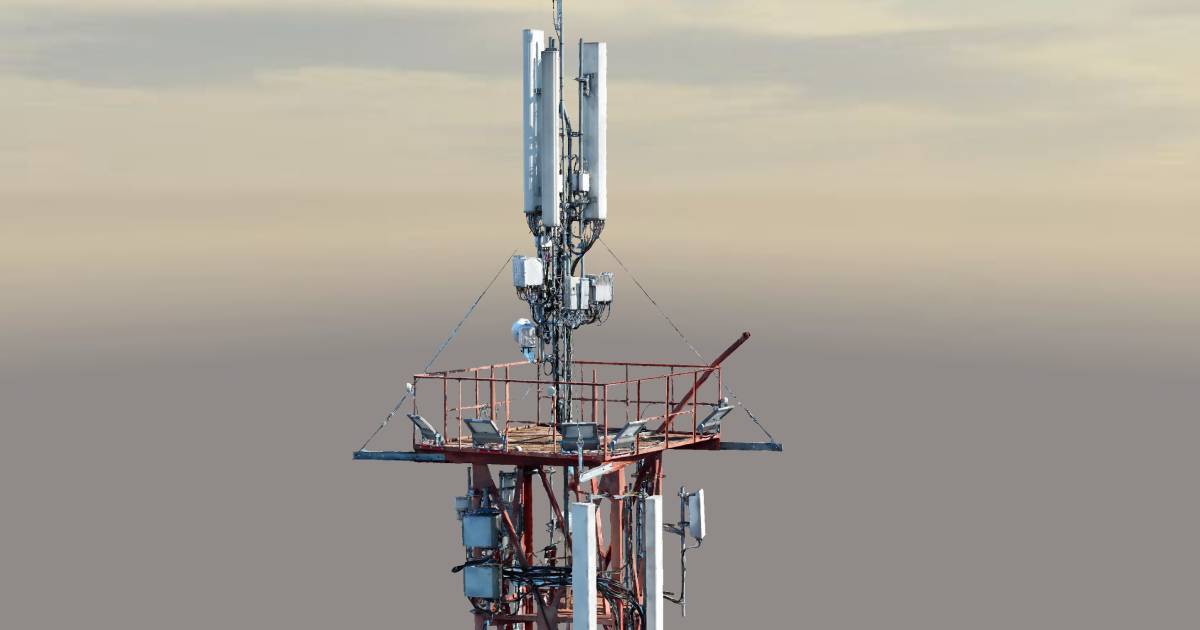
A 3D mesh is a continuous, photo-textured surface reconstructed from hundreds or thousands of overlapping images. It differs from a raw point cloud in two key ways: the points are connected into a watertight surface, and a high-resolution photo texture is draped over that surface so the model looks like reality, not a sparse cloud of dots.
- Geometry: millimetre-to-centimetre surface fidelity (project-dependent)
- Texture: 4K colour photo wrap at 1–3 cm per pixel
- Format: OBJ / FBX / GLB for 3D software, 3D PDF for non-technical reviewers, web viewer for client sharing
- Use: visual inspection, design context, environmental documentation, stakeholder communication
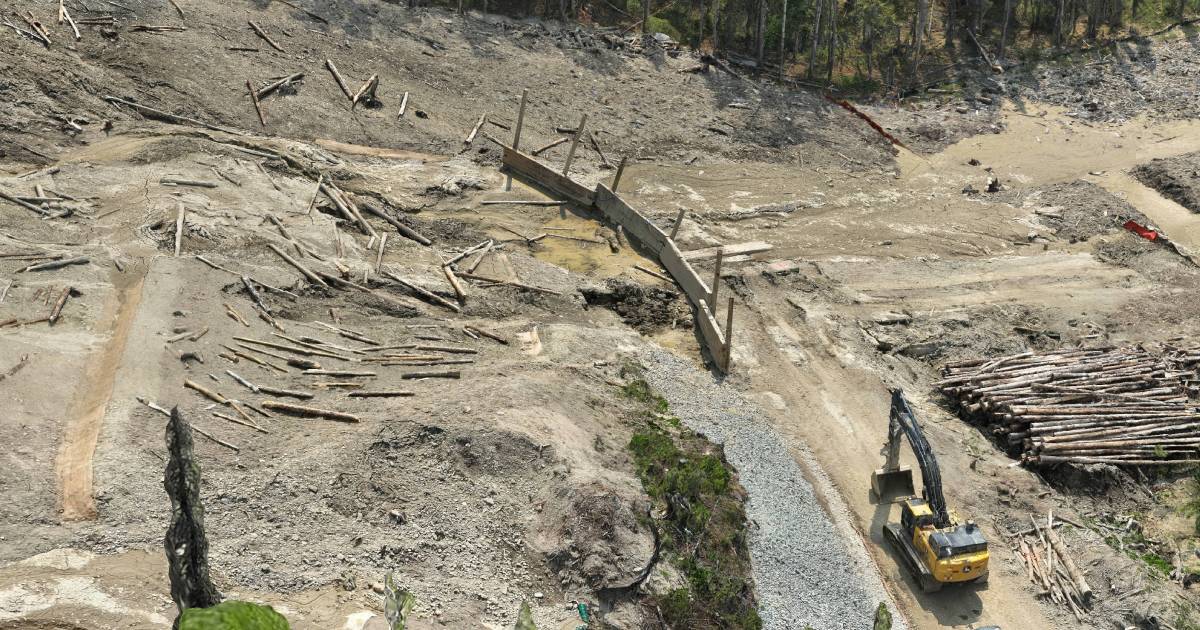
How Convex Geomatics Creates High-Resolution 3D Mesh Models
A useful mesh is not just "fly a drone and press a button." Resolution and accuracy depend on a chain of decisions: capture geometry, image overlap, ground control, lighting, and processing parameters. Skip any one and the mesh either looks great but measures poorly, or measures well but looks unreliable to non-technical reviewers.
1. Capture Planning
- Coverage planned to the required ground sample distance (typical 1–3 cm/px)
- Camera angles selected for vertical surfaces (oblique flights) and horizontal surfaces (nadir flights)
- Image overlap ≥ 80% forward, ≥ 70% side — non-negotiable for a clean mesh
- Site access, sun angle, and obstruction analysis built into the flight plan
2. High-Quality Image Acquisition
- Dense multi-angle capture from at least three orientations
- Survey-grade ground control points (GCPs) tied to RTK/PPK GNSS
- Stable platforms — gimbal-stabilised UAVs, vehicle mounts, or static tripods as the project requires
3. Accurate Processing
- Image alignment and dense point reconstruction (RealityCapture / Pix4D / Metashape workflows)
- Mesh generation, decimation, and texture baking at 4K per tile
- Quality control against independent check points before delivery
Result: a deliverable that holds up under both visual review and quantitative measurement — typically ±2–5 cm absolute accuracy with proper ground control.
Why 3D Mesh Models Are So Useful
1. Reduce Repeat Site Visits by 60–80%
The biggest payoff of a good mesh is that your team stops going back for every question. On a typical 50-hectare remote pipeline assessment, we see 8–12 traditional field visits compress to 1–2 mobilisations once the mesh is in hand — the rest happens at the office desk.
- Review conditions remotely from any location with internet
- Inspect visible details without scheduling another mobilisation
- Cut travel time, accommodation cost, and crew exposure
2. Share One Model Across the Whole Team
A single field crew may visit the site once. A mesh can be opened by ten people simultaneously — engineers, environmental staff, project managers, regulators, and clients all looking at the same data.
- Identical visual reference for every reviewer
- Comments and decisions stay consistent across the team
- Onboarding new staff to a project takes minutes instead of a site tour
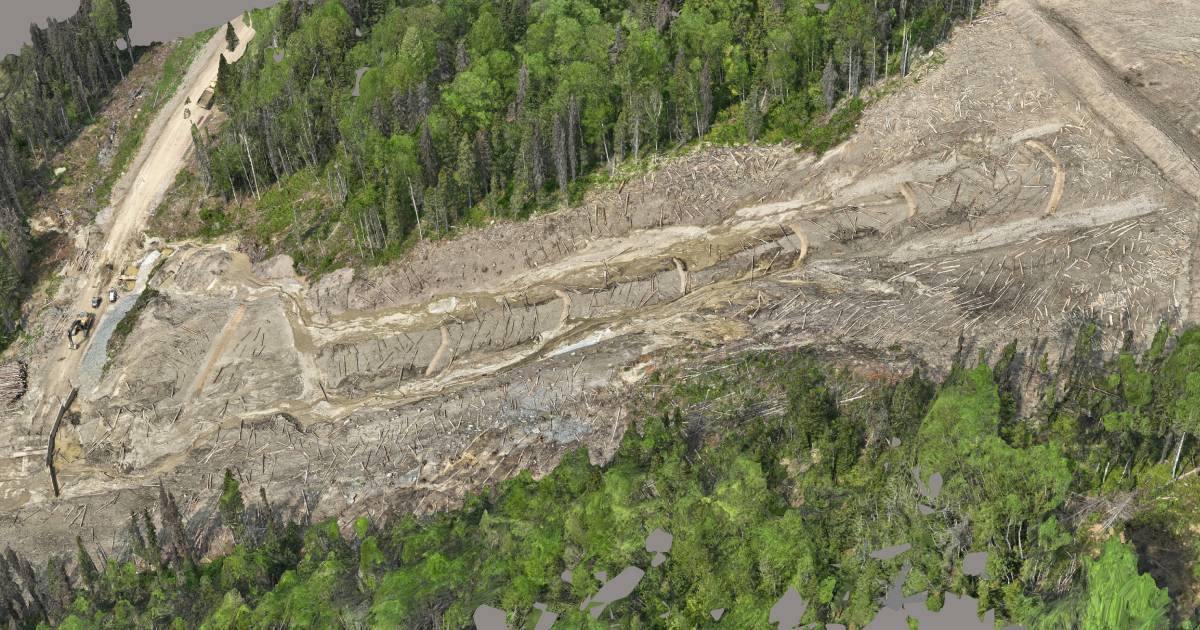
3. Resolve Fine Detail That Photographs Miss
Because a mesh is a true 3D surface, you can rotate, zoom, and section through it in ways that flat photos can't support. At 1–3 cm/px texture, teams can review:
- Surface conditions on steel, concrete, ground cover, and vegetation
- Site layout, access constraints, and infrastructure clearances
- Encroachment, erosion, and visible damage indicators
- Terrain shape and surrounding context the camera can't show in 2D
Where 3D Mesh Models Help Most
Inspection & Asset Review
- Visual condition checks on infrastructure between regulatory inspections
- Time-stamped baseline records for asset management
- Defect markup and tracking across multiple capture dates
Engineering Projects
- As-built site context for design decisions before mobilising survey crews
- Clash detection and design-vs-reality comparison
- Visual support material for permitting and regulatory submissions
Environmental Work
- Time-of-capture site documentation for environmental assessments
- Remote-area review without repeated impact mobilisations
- Vegetation, water, and disturbance mapping with visual context
Other Industries
- Construction progress documentation and weekly comparison views
- Pipeline corridor walk-throughs from the office
- Stakeholder and client communication that beats any slide deck
Remote Pipeline Areas: Where the Math Gets Obvious
Convex Geomatics has produced 3D mesh deliverables across pipeline corridors and remote project areas in northern Alberta, BC, and Saskatchewan — sites where each crew mobilisation runs from $4,500 to $15,000 once you account for travel, accommodation, helicopter time, and out-of-area pay.
On those projects the mesh isn't a "nice-to-have" visualisation. It's the cheapest way to keep the project moving:
- Environmental teams complete site reviews from the office in hours, not days
- Engineering teams understand the corridor and surrounding terrain without travel
- Decision-makers discuss issues while looking at the same model — same room or same Zoom call
Real benefit: on remote corridor work we routinely see clients eliminate 4–8 return mobilisations per project once the mesh is in hand. At an average mobilisation cost of $6,000, that's $24K–$48K of savings per project — typically 5–10× the cost of the mesh capture itself.
Cost vs. Value — The Math Behind the Mesh
Many companies still treat 3D mesh modelling as a premium visualisation product reserved for marquee projects. In practice, for most remote or repeat-visit sites, it's the cheapest option once you account for what it replaces:
- Field mobilisations — $4,500–$15,000 each for remote corridor work
- Travel & accommodation — multi-day costs that compound with crew size
- Schedule slip — every "we need to send someone back" delays design decisions
- Misinterpretation cost — incomplete photo records lead to scope changes
In most cases, a properly-captured mesh pays for itself within the first 2–4 trips it eliminates.
| Approach | Field visits / project | Decision turnaround | Reviewer access |
|---|---|---|---|
| Traditional photos & field notes | 8–12 | 2–3 weeks | Whoever was on site |
| With 3D mesh model | 1–2 | Same-day | Entire team, simultaneously |
How Much Detail Can We Achieve?
For most engineering and inspection projects we target 1–3 cm per pixel of texture with ±2–5 cm absolute accuracy when proper ground control is used. On close-range or static-platform captures, sub-centimetre detail is achievable. The right target depends on what the model is used for:
What You Get — Deliverables & Formats
Every Convex Geomatics 3D mesh project ships with formats matched to your workflow — engineers, environmental staff, and clients each get something they can actually open:
All deliverables come with a short QC report listing capture parameters, ground control RMSE, and any zones where mesh quality is reduced (deep shadow, water, reflective surfaces) — so reviewers know what to trust and what to verify.
Why Convex Geomatics
Convex Geomatics produces 3D mesh deliverables built for real project decisions, not for presentations. Our work is grounded in geomatics first — the visualisation is just how we ship the geometry.
- Calgary-based team with 45+ years combined geomatics experience
- Working track record across remote pipeline, environmental, and engineering projects in Alberta, BC, and Saskatchewan
- Survey-grade workflow: RTK/PPK ground control, independent check points, QC report on every project
- Format flexibility — we ship what your team actually uses, not what's easiest for us to export
Want a 3D Mesh Model of Your Site?
Tell us your site, your accuracy target, and the formats your team needs. We'll come back with a quote and a sample of similar work — usually inside one business day.
Related Reading from Our Blog
- Digital Twins and Gaussian Splats: Faster, Richer 3D Reality Capture — when Gaussian Splats beat traditional meshes
- Not All LiDAR Services Are Equal — what to look for in a survey provider
- LiDAR vs. Photogrammetry in Alberta's Mixed Terrain — choosing the right capture method